DevWing Foam 2 Tips and Tricks
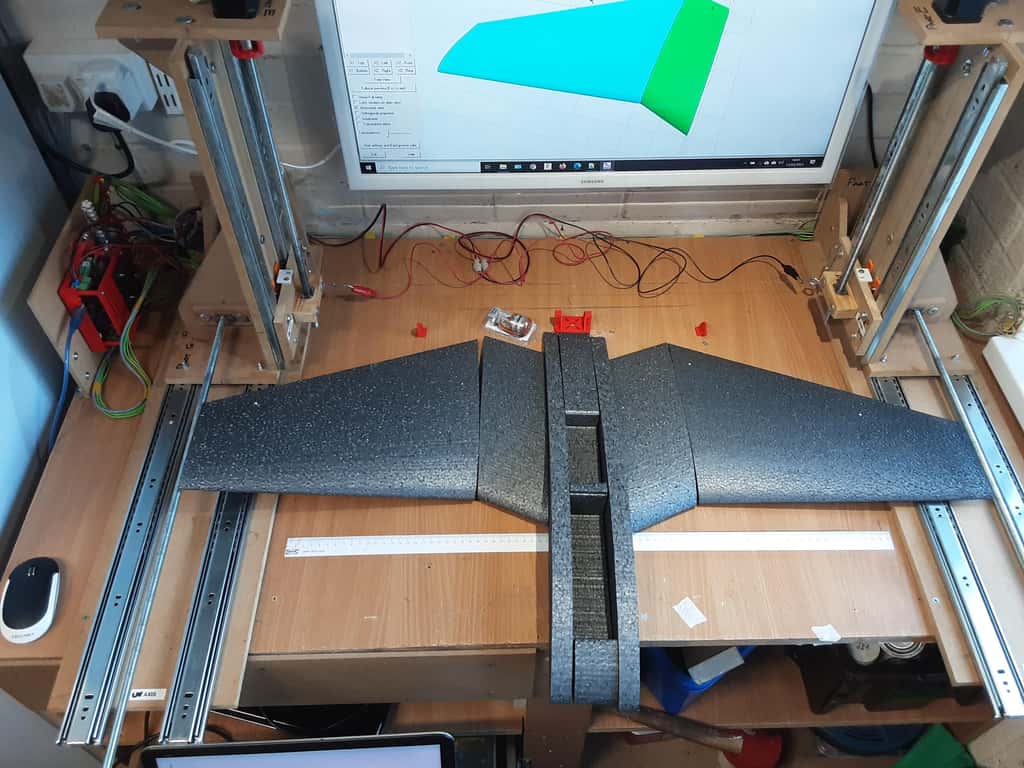


Here are some tips and tricks for DevWing Foam2, which generates 4-axis g-code for CNC Hot Wire Foam Cutters. I use these on all my projects.
Using DevWing Foam 2 with GRBL Hotwire
This is very easy and all you need to do is select the following options on the last page of creating a cutting project

Then make sure the axis letters match your CNC Machine

Once you have the axis set, your g-code will be generated so that you can load the file into GRBL Hotwire

Same Size Tapered Wings
Cutting tapered or swept wings individually on a CNC Foam cutter requires the foam block to be set in the same place. If they are slightly out, the wing will come out a bit bigger or smaller. The way to avoid this is to cut both at the same time, with one wing inverted


Select the right wing and then the left wing as top-down inverted. Both wings will be cut at the same time. Even if your foam block is not exactly in the centre of the foam cutter, both wings will be the same size. The small misalignment will probably not make much difference to your wing size, but the root and tips will match exactly.
Spars and Lightening Holes
You can control where the hot wire starts the cuts for extra elements like spars and lightning holes. Select the element you want to change and then select option (g). The images below show the procedure to follow
 Wire enters from the top
 Select ventral for botton entry
 Wire enters from the bottom
Smart Kerf
The kerf is the amount of foam a hot wire melts away during the cut. The value you set may be fine for straight wings, but for tapered wings, it can sometimes be challenging to find a good value that doesn’t melt away too much foam.
First, work out the mean kerf value. Use my post, “How to Get a Good Kerf Setting for CNC Foam Cutters.” Once you have that, enter the value in “Mean Kerf” and then your hot wire size. DevWing Foam will calculate a good value for the root and tip. As you can see, where the red arrows point, the kr=2.00 and kt=2.61 mm. I’ve used this on all my designs and rarely have a bad cut.

Run Out of Travel
You have created your design in DevWing Foam, and when you come to cut the wing, because of the highly swept design, your CNC Foam cutter doesn’t have enough travel. Don’t panic, there is a solution I use all the time, and as a bonus, you use less foam.

Select the options below

Now the CNC Foam cutter has enough travel

The one caveat of this tip is that you need to cut the root and tip to the correct angle after the cut. There is an option to do this in the side shaping cut, but you will probably have the same issue of not enough travel. I showed how to cut the root and tip in this video
Summary
I’ve used DevWing Foam for several years, and these are the tips and tricks I use to make my wings. It’s an awesome piece of software, and Stefano, the developer, has every option you can think of covered. I don’t buy RC models anymore, so the cost is fully justified. When you fly something you have built, it’s a fantastic feeling. Much more rewarding than unboxing, in my opinion
Happy foam cutting
